Amazon Scraper API vs Proxy: Choose a Product Data Source
Distinguish authorized Amazon APIs, licensed product data and proxy-based page checks by record quality and access rights.
Read guide
Compare built-in residential proxy rates on Browser Use, Browserbase, Browserless, Apify, Steel, and Scrapeless with an own-proxy route at 100, 500, and 1,000 GB.
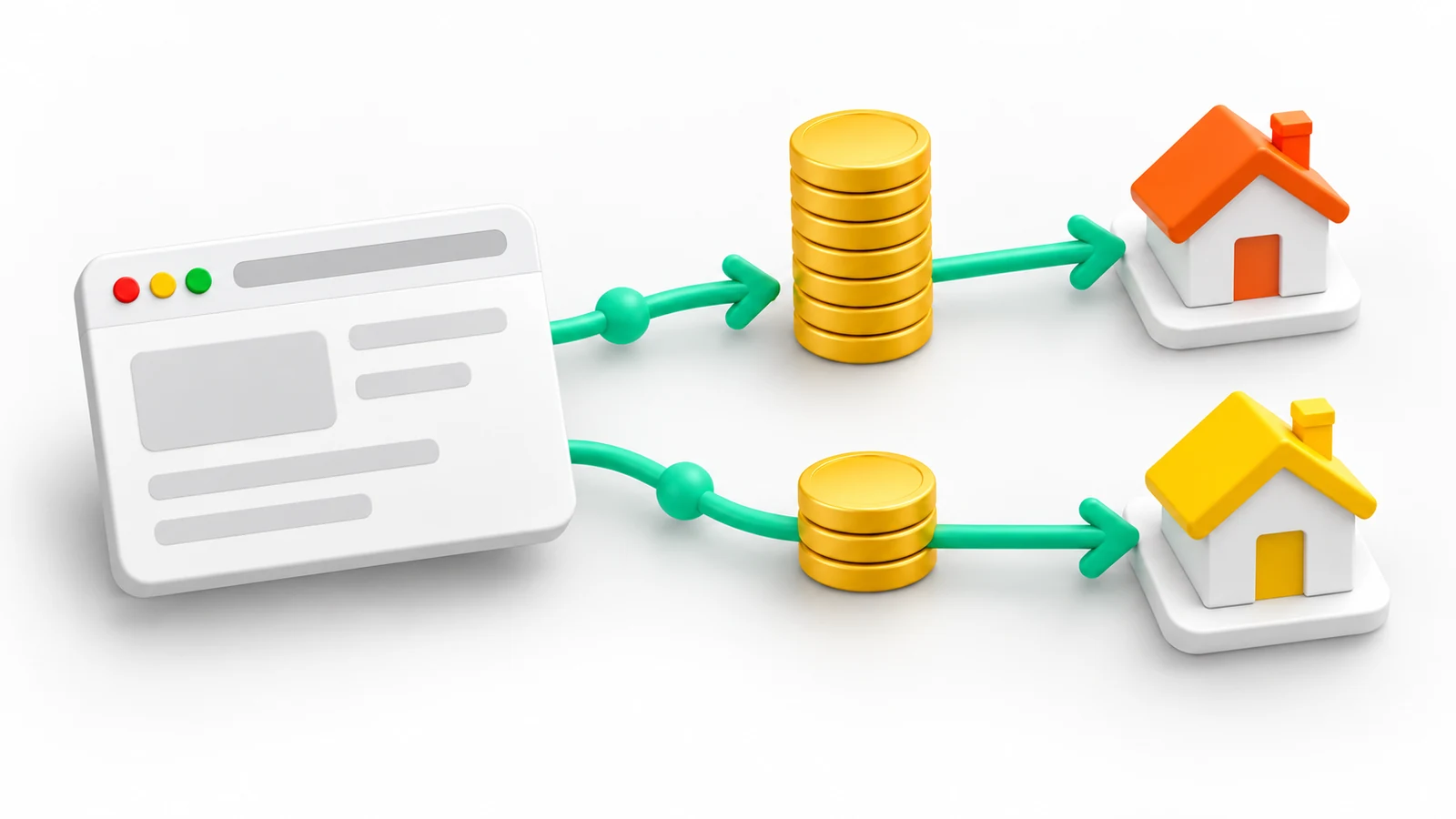
An own proxy route lowers the network bill of a browser agent when the platform's built-in residential rate is higher than the external rate plus any platform egress fee. On the published rates checked on 2026-10-02, a 100 GB package at USD 3.90/GB is below the built-in rate on Browser Use, Browserbase, Browserless, Apify, and Steel. Scrapeless is the exception: its built-in residential rate starts at USD 1.80/GB.
The comparison covers network traffic only. Browser hours, model tokens, CAPTCHA solving, plan fees, and retries stay on the platform invoice under both routes. Confirm the result with one fixed workload and the actual invoice lines before moving production traffic.
The table lists the residential rate a platform charges for its own proxy network and the charge it publishes for traffic sent through a customer proxy. All values are USD per GB from the official pricing and proxy pages, checked on 2026-10-02.
| Platform and plan | Built-in residential (USD/GB) | Platform charge on own proxy (USD/GB) | Own-proxy access |
|---|---|---|---|
| Browser Use, pay as you go | 5.00 | 0.20 | All accounts |
| Browserbase Developer, 1 GB included | 12.00 | Not published | Developer plan or higher |
| Browserbase Startup, 5 GB included | 10.00 | Not published | Developer plan or higher |
| Browserless Prototyping, overage | 12.00 | 0.00 | Paid plans |
| Browserless Scale, overage | 9.00 | 0.00 | Paid plans |
| Apify Starter | 8.00 | 0.00 to 0.20 | Actors that expose a proxy field |
| Apify Business | 7.00 | 0.00 to 0.18 | Actors that expose a proxy field |
| Steel Launch | 10.00 | 0.00 | All plans |
| Steel Scale | 6.00 | 0.00 | All plans |
| Scrapeless Basic | 1.80 | 0.00 | Paid subscription |
Three rows need a note on how the value was derived:
externalProxyServer does not consume proxy units, according to the Browserless proxy documentation. Browser time still consumes units.The own-proxy column uses ProxyLane package rates from the pricing page: USD 3.90/GB for 100 GB, USD 2.75/GB for 500 GB, and USD 2.50/GB for 1 TB. Each package is prepaid, so the figures hold when the whole package is used.
| Platform and plan | Volume (GB) | Built-in route (USD) | Own-proxy route (USD) | Difference (USD) |
|---|---|---|---|---|
| Browser Use | 100 | 500 | 410 | 90 |
| Browser Use | 500 | 2,500 | 1,475 | 1,025 |
| Browser Use | 1,000 | 5,000 | 2,700 | 2,300 |
| Browserbase Startup, before any own-proxy charge | 100 | 950 | 390 | 560 |
| Browserbase Startup, before any own-proxy charge | 500 | 4,950 | 1,375 | 3,575 |
| Steel Scale | 100 | 600 | 390 | 210 |
| Steel Scale | 500 | 3,000 | 1,375 | 1,625 |
| Apify Business | 500 | 3,500 | 1,465 | 2,035 |
| Scrapeless Basic | 100 | 180 | 390 | -210 |
Formula: own-proxy route = GB × (proxy package rate + platform charge on own proxy). Built-in route = billable GB × built-in rate, after any GB included in the plan. Browserbase Startup subtracts its 5 included GB; the plan fee is the same under both routes and is excluded. Browserbase does not publish a charge for own-proxy traffic, so its rows show the difference before any such charge; a test session on the usage page settles it.
The difference grows with volume because the platform rate is flat while package rates fall. Browser Use is the narrowest case among the cheaper routes: its USD 0.20/GB egress charge applies to every own-proxy GB.
Billed proxy traffic includes TLS handshakes, headers, scripts, images, and requests the browser started but never used. Steel's proxy documentation notes that bandwidth is measured on the wire, so it exceeds the size of the response bodies a script reads. Estimate GB per completed task from a real sample: the proxy bandwidth estimation guide shows the measurement, and the Playwright bandwidth guide covers resource blocking that keeps required fields intact.
Run one fixed task set through both routes and record completed tasks, retries, GB, browser minutes, and invoice lines. The cost per successful request method turns those numbers into a cost per accepted result. A lower network rate with more failed tasks can still raise the total.
The connection field differs by platform. Each guide below includes a route check that confirms the exit IP from the same browser session:
customProxy in the V4 browser or run request. See the Browser Use proxy guide.external entry in the session proxies array. See the Browserbase custom proxy guide.externalProxyServer query parameter. See the Browserless external proxy guide.ProxyConfiguration. See the Apify custom proxy guide.Rates and plan conditions change. Recheck each platform's pricing page on the day of the decision; the account billing page is authoritative for a specific purchase.
 ProxyLaneTraffic never expires
Scale your workflows with the tools you already use. Rotating or sticky sessions up to 72 hours.
Distinguish authorized Amazon APIs, licensed product data and proxy-based page checks by record quality and access rights.
Read guideChoose the right anti-detect browser proxy guide, map the shared verification steps, and keep account access separate from the network route.
Read guideSeparate Australian egress from en-AU content, AUD pricing, GST display, postcode validation and the state delivery context.
Read guide