

Amazon Scraper API vs Proxy: Choose a Product Data Source
Compare seller APIs, licensed Amazon product data and proxy page checks by record, access scope and reuse rights.
Read guide
Pass a custom proxy to a Browser Use V4 cloud browser, confirm the exit IP from that browser, and compare the USD 0.20/GB egress charge with built-in proxy traffic.
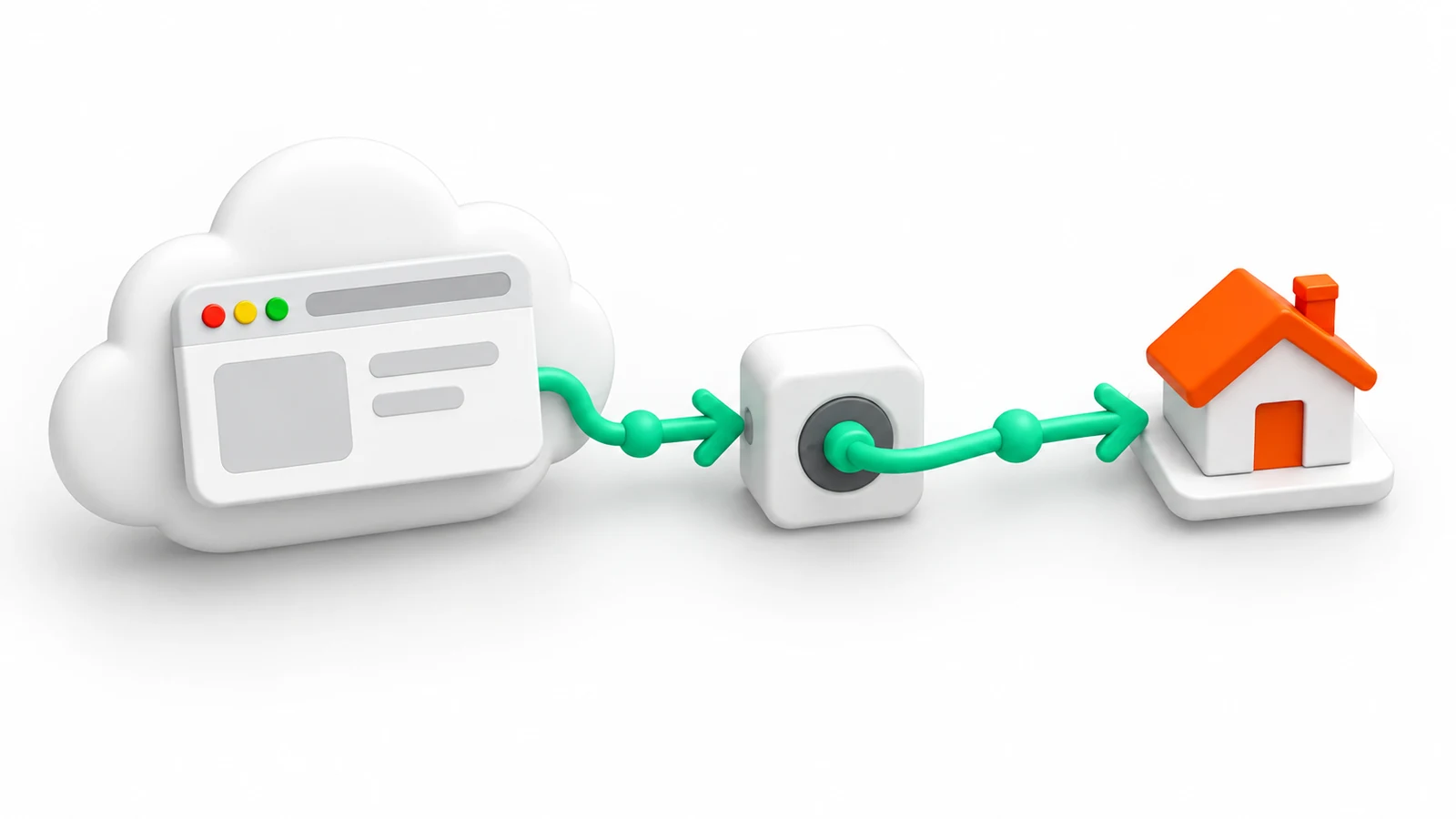
Browser Use Cloud accepts a custom proxy in the customProxy field of a V4 browser request, or in browserSettings.customProxy for an agent run. Custom proxies are available on every account, including pay as you go. Confirm the route by loading an IP-check page from the same cloud browser and stopping the browser afterwards.
Traffic through a custom proxy costs USD 0.20/GB on the Browser Use invoice, compared with USD 5.00/GB for the built-in residential proxy, according to the Browser Use pricing page checked on 2026-10-02. The proxy provider bills its own traffic separately.
Browser Use has two V4 request shapes. A standalone browser for Playwright, Puppeteer, or another Chrome DevTools Protocol (CDP) client takes customProxy at the top level. An agent run takes it inside the run's browser settings. The Browser Use proxy documentation lists both:
| REST endpoint | Custom proxy field | Use |
|---|---|---|
POST /api/v4/browsers |
customProxy |
A browser controlled through its CDP URL |
POST /api/v4/runs |
browserSettings.customProxy |
A hosted agent run |
A custom proxy overrides proxyCountryCode. A follow-up that provisions a new browser needs the custom proxy again. Do not wrap the standalone browser fields in browserSettings; that shape belongs to runs.
Audience: Python developers who can run a script and manage environment variables.
Prerequisites:
Warning: The script creates a billable Browser Use browser and sends traffic through the proxy provider. Browser Use reserves browser time for the requested timeout and refunds unused minutes after the stop request. Use a test project, keep the timeout at 5 minutes, and stop the browser in the Browser Use dashboard if the script exits before its finally block. Keep the API key and proxy password in environment variables, never in the file.
Install the pinned packages. Playwright connects to the remote browser over CDP, so no local browser download is needed:
python3 -m pip install "requests==2.32.5" "playwright==1.55.0"
Set these variables in the shell session or a secret manager:
<BROWSER_USE_API_KEY>: the Browser Use API key<PROXY_HOST> and <PROXY_PORT>: the proxy endpoint<PROXY_USER> and <PROXY_PASSWORD>: the proxy credentialsSave the program as browser-use-proxy-check.py:
import ipaddress
import json
import os

import requests
from playwright.sync_api import sync_playwright

API_BASE = "https://api.browser-use.com/api/v4"
CHECK_URL = "https://api.ipify.org?format=json"
# Browser Use session lifetime, in minutes
SESSION_TIMEOUT_MINUTES = 5
# HTTP client timeout for each Browser Use API call, in seconds
API_TIMEOUT_SECONDS = 30
# Playwright navigation timeout, in milliseconds
NAVIGATION_TIMEOUT_MS = 20_000

headers = {
    "X-Browser-Use-API-Key": os.environ["BROWSER_USE_API_KEY"],
    "Content-Type": "application/json",
}
payload = {
    "timeout": SESSION_TIMEOUT_MINUTES,
    "customProxy": {
        "host": os.environ["PROXY_HOST"],
        "port": int(os.environ["PROXY_PORT"]),
        "username": os.environ["PROXY_USER"],
        "password": os.environ["PROXY_PASSWORD"],
    },
}

created = requests.post(f"{API_BASE}/browsers", headers=headers, json=payload, timeout=API_TIMEOUT_SECONDS)
if created.status_code != 201:
    raise SystemExit(f"Browser creation failed with HTTP {created.status_code}")
browser_session = created.json()

try:
    if not browser_session.get("cdpUrl"):
        raise RuntimeError("Browser Use returned no CDP URL")
    with sync_playwright() as playwright:
        browser = playwright.chromium.connect_over_cdp(browser_session["cdpUrl"])
        try:
            context = browser.contexts[0] if browser.contexts else browser.new_context()
            page = context.pages[0] if context.pages else context.new_page()
            response = page.goto(CHECK_URL, wait_until="domcontentloaded", timeout=NAVIGATION_TIMEOUT_MS)
            if response is None or response.status != 200:
                raise RuntimeError("IP check did not return HTTP 200")
            exit_ip = json.loads(page.locator("body").inner_text())["ip"]
            ipaddress.ip_address(exit_ip)
            print(json.dumps({"status": response.status, "exit_ip": exit_ip}))
        finally:
            browser.close()
finally:
    stopped = requests.patch(
        f"{API_BASE}/browsers/{browser_session['id']}",
        headers=headers,
        json={"action": "stop"},
        timeout=API_TIMEOUT_SECONDS,
    )
    if stopped.status_code >= 400:
        print(f"Stop request returned HTTP {stopped.status_code}; stop the browser in the dashboard")
The V4 create-browser reference defines timeout in minutes, returns HTTP 201 with id and cdpUrl, and limits a session to 240 minutes. Closing the CDP connection does not stop the cloud browser, so the finally block sends the stop action from the stop-browser reference even when navigation fails.
Run the script:
python3 browser-use-proxy-check.py
Illustrative output with a documentation-reserved address:
{"status": 200, "exit_ip": "198.51.100.24"}
Compare exit_ip with the exit expected from the proxy account. The check proves only what api.ipify.org observed from that browser at that moment. It does not establish a city, target-site access, or that every later request used the same route.
For a hosted agent, the proxy object moves into browserSettings. This partial request body for POST /api/v4/runs shows only the routing fields:
// Not runnable: partial request body; add the remaining run fields
{
  "task": "Open https://api.ipify.org?format=json and return the IP address",
  "browserSettings": {
    "customProxy": {
      "host": "<PROXY_HOST>",
      "port": 8080,
      "username": "<PROXY_USER>",
      "password": "<PROXY_PASSWORD>"
    }
  }
}
Replace 8080 with the provider's port. An agent can accurately report text from an access-denied page, so validate the returned fields rather than the run status alone.
402 on creation: the project has insufficient credits or the API key reached its monthly spend limit. The response says nothing about the proxy.407 from the proxy: the provider rejected the credentials. The 407 troubleshooting guide separates credential and allowlist causes.The pricing page lists two network rates, checked on 2026-10-02:
| Route | Browser Use charge (USD/GB) | Provider charge |
|---|---|---|
| Built-in residential proxy | 5.00 | None |
| Custom proxy or direct connection | 0.20 | Billed by the proxy provider |
With a provider package at USD 3.90/GB, the own route costs USD 4.10/GB in total, below the built-in rate by USD 0.90/GB. At 500 GB with a USD 2.75/GB package, the network cost is USD 1,475 compared with USD 2,500. Browser hours at USD 0.02 and model tokens are charged the same way under both routes, so they do not change the difference.
Measure GB per completed task before buying a package: billed traffic includes headers, scripts, and images the agent never reads. The browser agent proxy cost comparison covers the calculation across platforms, and the Playwright guide covers proxy settings for a local browser.
 ProxyLaneTraffic never expires
Scale your workflows with the tools you already use. Rotating or sticky sessions up to 72 hours.
Compare seller APIs, licensed Amazon product data and proxy page checks by record, access scope and reuse rights.
Read guideChoose the right anti-detect browser proxy guide, map the shared verification steps, and keep account access separate from the network route.
Read guideOur picks for market research: ProxyLane for small, intermittent projects, plus options for regional tracking, monthly collection and managed extraction.
Read guide
