

Amazon Scraper API vs Proxy: Choose a Product Data Source
Compare seller APIs, licensed Amazon product data and proxy page checks by record, access scope and reuse rights.
Read guide
Create a Browserbase session with an authenticated HTTP proxy, verify the exit IP from Playwright, and compare custom-proxy traffic with the USD 10-12/GB built-in rate.
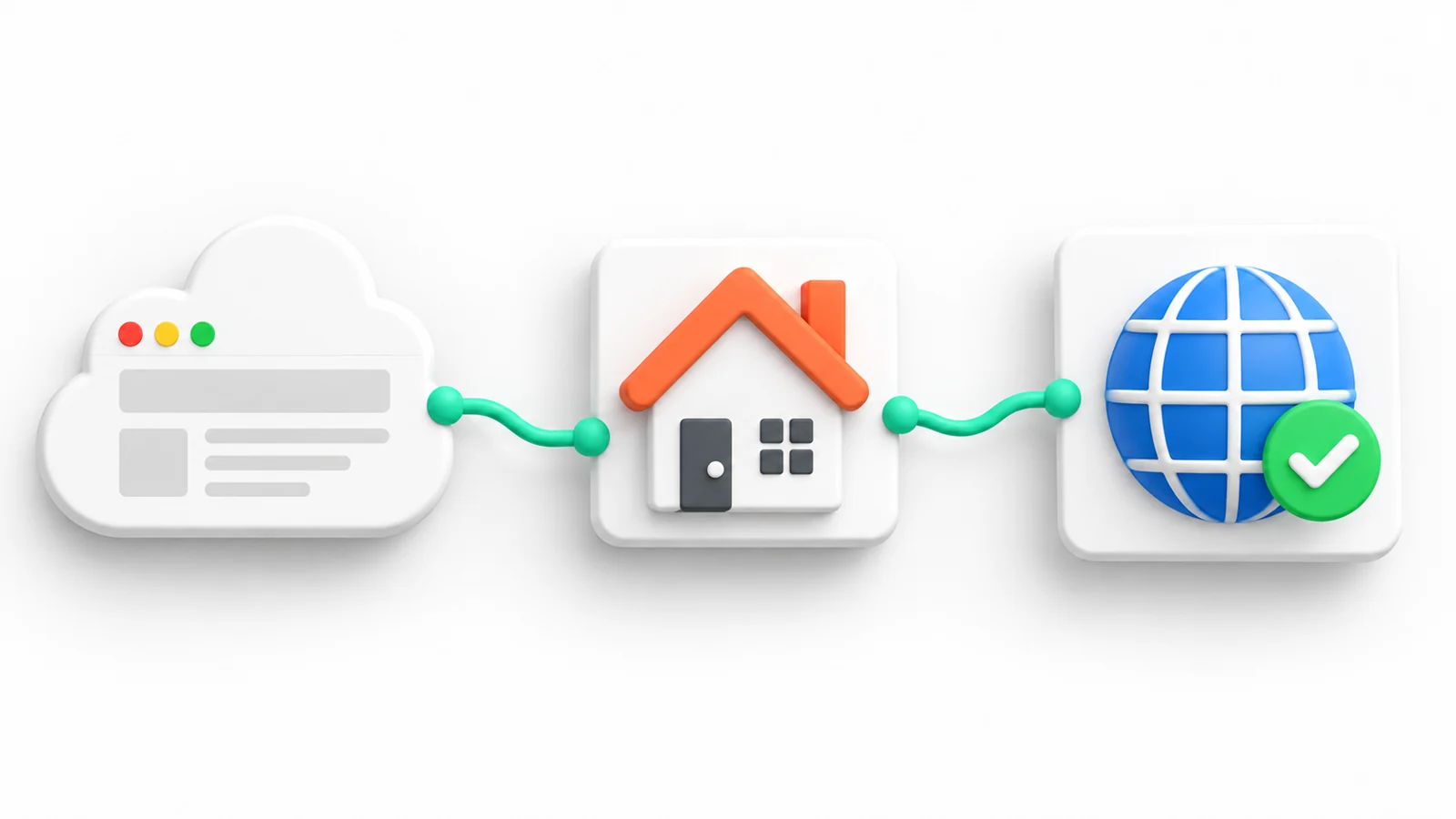
Browserbase accepts an external proxy in the session creation proxies array on an eligible paid plan. Create the session with its proxy server and credentials, connect Playwright over the returned Chrome DevTools Protocol (CDP) URL, and check the exit IP from that browser. Session creation confirms Browserbase reached the proxy; the page check confirms the route observed by the test endpoint.
Audience: Node.js developers who can run a script and manage environment variables. The shell commands use macOS or Linux.
This example uses Node.js 22.23.1, @browserbasehq/sdk 2.20.0, and playwright-core 1.63.0. Install Node.js 22.23.1 and use a Browserbase Developer Plan or higher, which supports custom proxies. Create one 60-second session and navigate only to api.ipify.org; use an endpoint approved for the workload when checking a different target.
Prerequisites: a Browserbase API key, an authorized HTTP or HTTPS proxy endpoint with credentials, and permission to send a test request to the IP-check endpoint.
Warning: Use a disposable test project on the live Browserbase service, not a production business workflow. Session creation uses Browserbase quota, and the proxy provider may charge for transferred traffic. The example limits the session to 60 seconds and requests release after the check. Keep credentials in the private environment file and exclude it from Git. Confirm plan and usage limits before this test run; stop the session in the Browserbase dashboard if it remains active after release.
In a new empty project directory, install the pinned packages and create a private environment file. The command refuses to overwrite an existing file:
npm install @browserbasehq/sdk@2.20.0 playwright-core@1.63.0
(umask 077; set -C; printf 'BROWSERBASE_API_KEY=<BROWSERBASE_API_KEY>\nPROXY_URL=<PROXY_URL>\n' > .env)
Replace <BROWSERBASE_API_KEY> with the account API key and <PROXY_URL> with the authenticated proxy URL locally. Set PROXY_URL to the provider's HTTP or HTTPS proxy URL with its URL-encoded username and password. Keep .env out of source control. Do not pass secrets in command-line arguments or print the proxy URL.
Save this complete program as browserbase-proxy-check.mjs:
import { Browserbase } from "@browserbasehq/sdk";
import { chromium } from "playwright-core";
import { isIP } from "node:net";

const apiKey = process.env.BROWSERBASE_API_KEY;
const proxyUrl = process.env.PROXY_URL;
const checkUrl = "https://api.ipify.org?format=json";

if (!apiKey || !proxyUrl) {
  throw new Error("Set BROWSERBASE_API_KEY and PROXY_URL in .env");
}

const browserbase = new Browserbase({ apiKey, maxRetries: 0, timeout: 20_000 });
let session;
let browser;
let phase = "validate-proxy-config";

try {
  const proxy = new URL(proxyUrl);
  if (!["http:", "https:"].includes(proxy.protocol) || !proxy.hostname) {
    throw new Error("PROXY_URL must be an HTTP or HTTPS proxy URL");
  }

  const server = `${proxy.protocol}//${proxy.host}`;
  const username = decodeURIComponent(proxy.username);
  const password = decodeURIComponent(proxy.password);
  if (!username || !password) {
    throw new Error("PROXY_URL must include the proxy username and password");
  }

  phase = "create-session";
  session = await browserbase.sessions.create({
    api_timeout: 60,
    proxies: [{ type: "external", server, username, password }],
  });

  phase = "connect-playwright";
  browser = await chromium.connectOverCDP(session.connectUrl);
  const context = browser.contexts()[0];
  const page = context?.pages()[0] ?? await context?.newPage();
  if (!page) {
    throw new Error("Browserbase returned no browser page");
  }

  phase = "check-exit-ip";
  const response = await page.goto(checkUrl, {
    waitUntil: "domcontentloaded",
    timeout: 20_000,
  });
  if (response?.status() !== 200) {
    throw new Error("IP check returned an unexpected HTTP status");
  }

  const result = JSON.parse(await page.locator("body").innerText());
  if (typeof result.ip !== "string" || isIP(result.ip) === 0) {
    throw new Error("IP check did not return a valid IP address");
  }

  console.log(JSON.stringify({
    status: response.status(),
    exitIp: result.ip,
    finalUrl: page.url(),
  }));
} catch (error) {
  const status = typeof error === "object" && error !== null && "status" in error
    ? error.status
    : undefined;
  const errorType = error instanceof Error ? error.constructor.name : "UnknownError";
  console.error(JSON.stringify({ phase, errorType, status: status ?? null }));
  process.exitCode = 1;
} finally {
  if (browser) {
    try {
      await browser.close();
    } catch {
      console.error("Playwright disconnect reported an error.");
      process.exitCode = 1;
    }
  }
  if (session) {
    try {
      await browserbase.sessions.update(session.id, { status: "REQUEST_RELEASE" });
    } catch {
      console.error("Browserbase session release reported an error; check the session in the dashboard.");
      process.exitCode = 1;
    }
  }
}
The SDK maps its api_timeout option to the API's timeout field in seconds. maxRetries: 0 prevents automatic API retries; the client timeout is 20 seconds per request, separate from the 60-second remote session lifetime. Browserbase returns session.connectUrl for Playwright's CDP connection; the session guide shows the same connection pattern. The finally block requests session release even when browser connection or navigation fails.
Run the program with Node's environment-file option. The script prints the endpoint's observed IP and final URL, but never prints the API key or proxy credentials.
node --env-file=.env browserbase-proxy-check.mjs
A successful run returns HTTP status 200 and a valid IP address. Compare that address with the expected exit for the proxy account and with a separate baseline request if the route needs to be distinguished from the Browserbase host. The response proves only what api.ipify.org observed at that time; it does not establish a city, browser locale, target-site access, or that every downstream request used the same route.
Illustrative output:
{"status":200,"exitIp":"198.51.100.24","finalUrl":"https://api.ipify.org/?format=json"}
Browserbase documents a proxy connection check during session creation. If the API reports HTTP 402, stop and check the account’s plan and billing eligibility before another attempt; that response does not verify proxy credentials or an exit IP.
A session-creation failure points to the proxy connection or credentials, an unsupported provider, or the Browserbase account or project. The sample intentionally suppresses raw exception text because provider and API errors can include sensitive configuration.
If session creation succeeds but the IP check fails, check the proxy scheme, allowlist, authentication format, and whether the endpoint is reachable from Browserbase. Then run the same proxy against an endpoint controlled by the proxy operator. An HTTP error from the target is a separate result from a proxy connection failure.
Browserbase applies custom proxies when creating sessions and also supports ordered routing rules for domain-specific routes. The proxy configuration reference documents these options, connection checks, and supported plans. The create-session API reference defines the session duration field; the pinned Browserbase Node SDK source documents the api_timeout mapping and release call. The current Playwright navigation reference defines goto timeout behavior. Do not infer country-level identity from an IP-only check; confirm the needed location and target behavior with a service that reports those properties.
Browserbase plans include a small proxy allowance and then bill built-in proxy traffic per GB. The plans page, checked on 2026-10-02, lists these values:
| Plan | Monthly fee (USD) | Included proxy traffic (GB) | Built-in proxy overage (USD/GB) |
|---|---|---|---|
| Developer | 20 | 1 | 12.00 |
| Startup | 99 | 5 | 10.00 |
| Scale | Custom | Usage-based | Custom |
The proxy documentation describes metering for Browserbase proxies, with a 1 MB minimum per session, but does not publish a separate charge for custom-proxy traffic. Treat that line as unverified: run one short test session through the external proxy and check the usage page before projecting a monthly bill.
On the Startup plan, 100 GB of built-in traffic costs USD 950 after the 5 included GB. The same volume through a provider package at USD 3.90/GB costs USD 390, plus any Browserbase line the test session reveals. The plan fee and browser hours are the same under both routes. Below the included allowance, the built-in route costs nothing extra and a custom proxy adds cost. The browser agent proxy cost comparison shows the same calculation for other platforms.
 ProxyLaneTraffic never expires
Scale your workflows with the tools you already use. Rotating or sticky sessions up to 72 hours.
Compare seller APIs, licensed Amazon product data and proxy page checks by record, access scope and reuse rights.
Read guideChoose the right anti-detect browser proxy guide, map the shared verification steps, and keep account access separate from the network route.
Read guideOur picks for market research: ProxyLane for small, intermittent projects, plus options for regional tracking, monthly collection and managed extraction.
Read guide
