

Amazon Scraper API vs Proxy: Choose a Product Data Source
Compare seller APIs, licensed Amazon product data and proxy page checks by record, access scope and reuse rights.
Read guide
Compare local automation, hosted browser sessions, and scrape APIs by interaction control, session state, output validation, and cost.
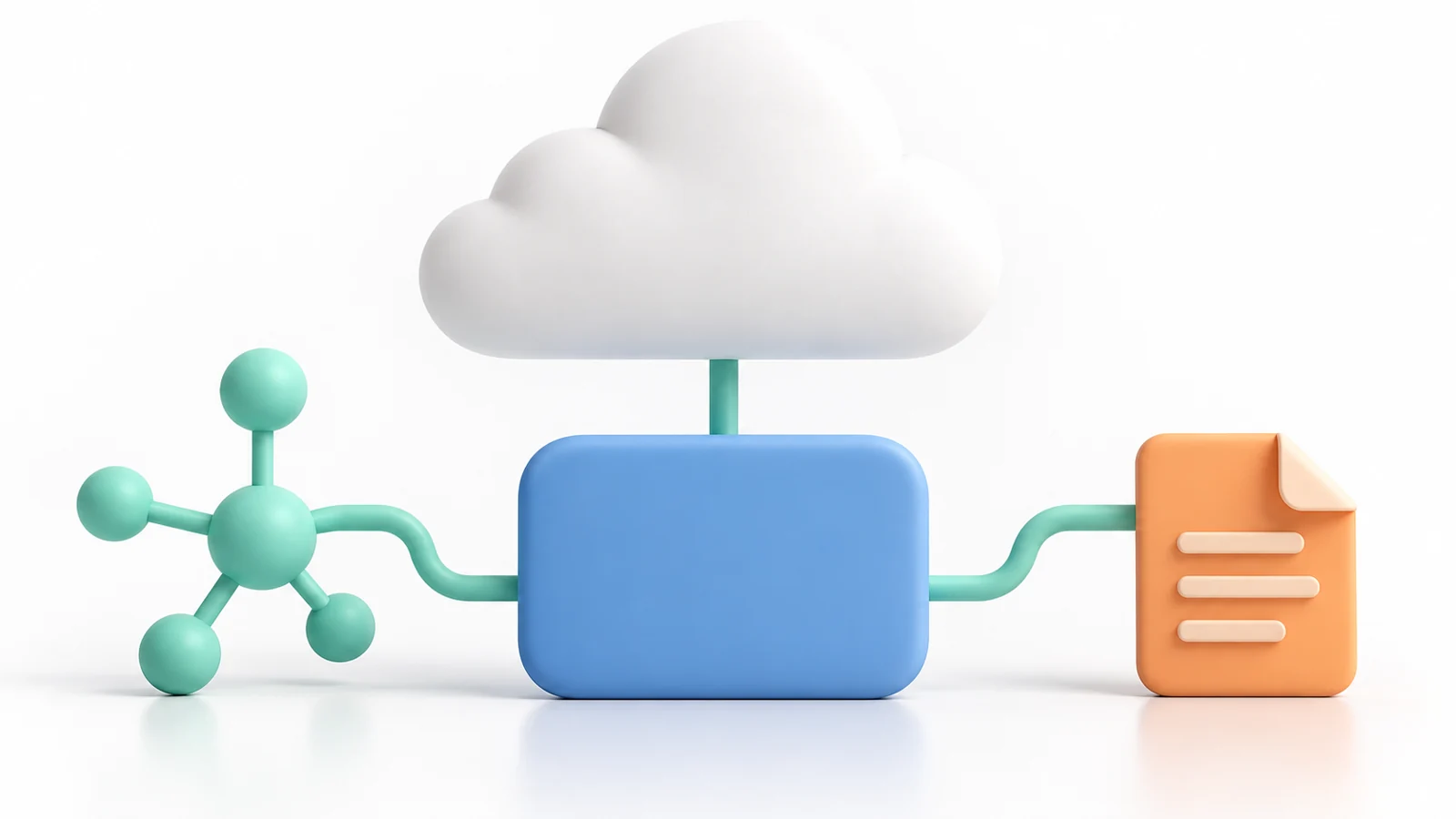
Choose a local browser when the workflow needs direct control, a cloud browser when hosted sessions or remote compute matter, and a scraping API when validated page content is enough. Compare the same permitted task across options, using accepted records and total operating cost as the decision measures.
A browser automation library controls a browser process. A cloud browser hosts that process and exposes a way to create or connect to sessions. A scraping API usually accepts a URL or task and returns content in a format such as Markdown or structured data. These products overlap, but their interfaces and responsibilities differ.
| Option | Who controls what | Choose it when |
|---|---|---|
| Local browser | The team owns the code, runtime, and session setup | The team can operate the runtime and need interaction-level control |
| Cloud browser | The app sends session commands; the service hosts the browser and may manage session storage | Remote execution or hosted sessions reduce operational work |
| Scraping API | The app sends a target and checks output; the service handles its documented fetch and extraction workflow | The task needs page content rather than arbitrary interaction |
A provider's product page can combine these capabilities. Verify the contract for the specific endpoint or SDK instead of assuming that a service called a “browser API” provides every row in the table. Browser Use documents cloud browser sessions and proxy settings separately.
Firecrawl's scrape endpoint documents a URL-oriented request that can return Markdown. Those examples describe the named vendors, not a universal interface.
List the required inputs and accepted output before choosing. Include whether the task needs clicks or form entry, authenticated state, cookies across pages, a region setting, raw HTML, extracted fields, or a screenshot. Add the expected failure states, such as a login page, challenge, missing field, or changed final URL.
For a two-page catalog check, suppose the required record includes the product identifier, price, and delivery region. A URL-to-Markdown response that contains the first two fields but omits the selected region fails the output contract. A browser session can pass if it preserves that region across both pages and the extracted records validate.
The example is illustrative; it does not claim that a named provider supports a specific target or session policy.
A browser is not automatically a better scraper. If a direct page fetch returns the required fields within the target's rules, browser interaction adds compute and state to manage. If a task needs a multi-step interaction, a URL-only extraction API may omit the action or state that determines the result.
For a hosted browser, check how the vendor creates and closes sessions, how long session state persists, and which proxy options the selected plan and API support. Do not assume that a cloud browser can use an arbitrary proxy, geographic location, or sticky-session setting. Check the vendor's data-retention terms before sending account data or cookies.
Caution: A hosted browser receives the session data sent to it. Test with a non-production account and keep production cookies out of trial sessions. Limit credential access and session lifetime; if a session leaks, revoke its tokens, rotate affected credentials, and terminate the hosted session.
When network egress is part of the requirement, query a harmless IP echo service from inside the same browser session used for the target request. Record the observed address and timestamp. Then validate the target page and required fields independently.
An IP echo confirms the route observed by that request; it does not prove that the target accepted the session or returned a valid record.
For each trial, record the task definition, tool and plan, session or job identifier, target, final URL, response status, accepted fields, retries, human intervention, billed unit, and total cost. Remove credentials and personal data from logs. Count only distinct records that pass the same validation rules.
Use a small sample that represents the real interaction pattern. Hold the target set, required fields, region, and acceptance rules constant while comparing local automation, a hosted browser, and a managed extractor. Stop on target refusal or an out-of-scope page instead of retrying until a preferred result appears.
Compare valid records, setup and maintenance effort, operator interventions, session requirements, and cost per accepted record. Include browser minutes, API credits, proxy traffic, and engineering time when they apply. A fast request that returns a challenge page is not a successful result.
The scraping API vs proxy guide covers the related choice between managed extraction and network transport; the Playwright proxy guide explains a locally controlled browser route.
For an illustrative comparison, two routes each produce 40 accepted records. A hosted browser costs 12 USD in service charges plus 8 USD in labor; an extraction API costs 8 USD in credits plus 12 USD in labor. Both cost 20 USD/40 = 0.50 USD per accepted record.
These fictional figures show why service fees alone cannot choose a winner; use the same labor rate and include setup and correction work for both.
 ProxyLaneTraffic never expires
Scale your workflows with the tools you already use. Rotating or sticky sessions up to 72 hours.
Compare seller APIs, licensed Amazon product data and proxy page checks by record, access scope and reuse rights.
Read guideChoose the right anti-detect browser proxy guide, map the shared verification steps, and keep account access separate from the network route.
Read guideOur picks for market research: ProxyLane for small, intermittent projects, plus options for regional tracking, monthly collection and managed extraction.
Read guide
