

Amazon Scraper API vs Proxy: Choose a Product Data Source
Compare seller APIs, licensed Amazon product data and proxy page checks by record, access scope and reuse rights.
Read guide
Route a Browserless request through an external proxy, validate the output, and compare external traffic with built-in residential proxy units.
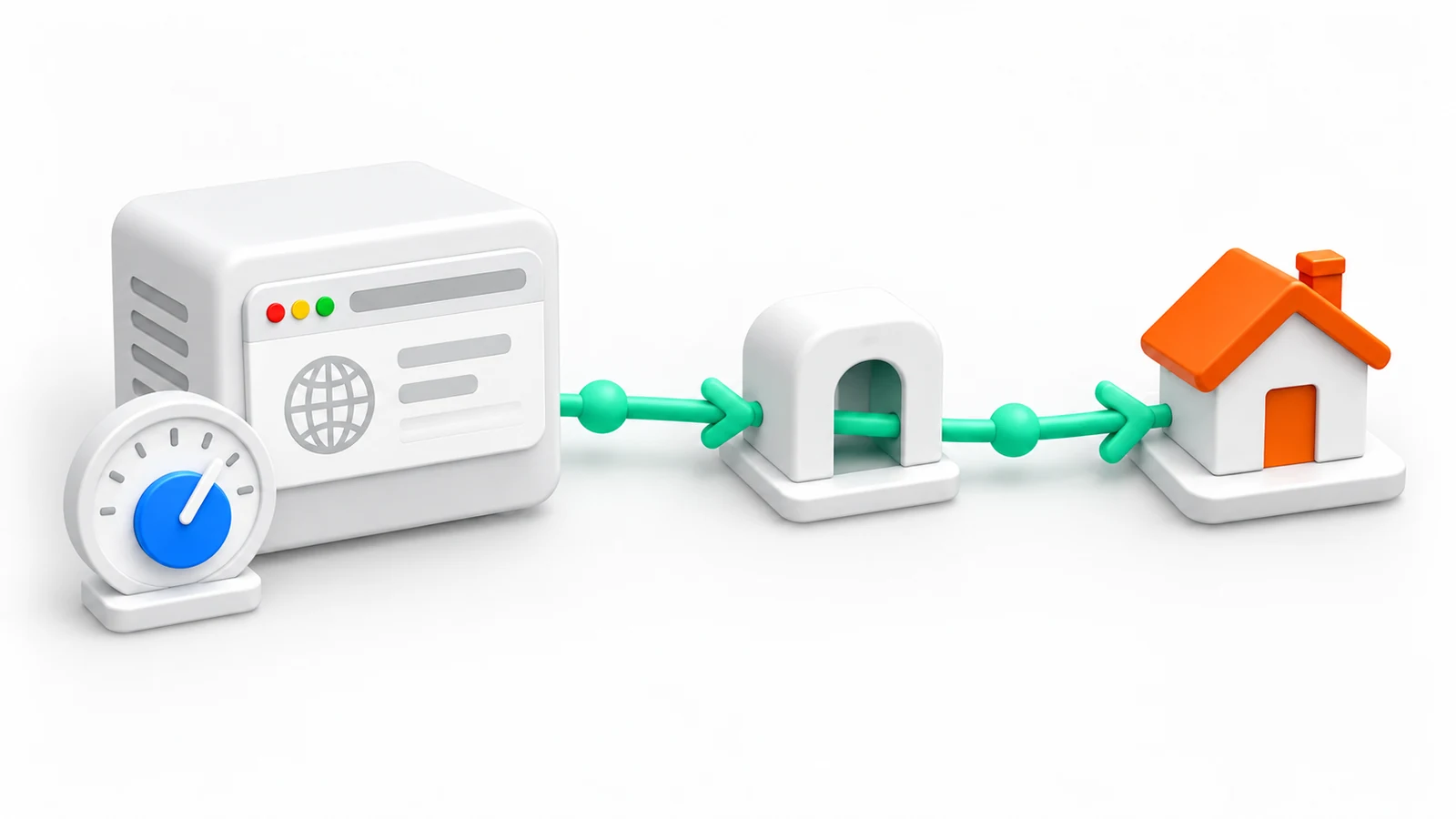
Browserless can run a browser session while an external proxy supplies the network route. The useful boundary is explicit: Browserless handles the remote browser, the externalProxyServer option carries the upstream proxy URL, and the calling application decides whether the returned output is valid. Session creation alone cannot prove that the proxy authenticated or that the target accepted the request.
Browserless documents externalProxyServer as a URL parameter on its REST APIs. The /content API loads a page in a remote browser and returns the rendered HTML, so the response can be validated before the route is trusted.
Audience: developers who can run a Node.js script and manage environment variables.
Prerequisites:
401Warning: Each run uses Browserless units for browser time and sends traffic through the proxy provider, which may bill it. The script makes one request with a 30-second limit and no retries. Keep the token and proxy URL in a private .env file excluded from Git; the constructed endpoint contains both, so the script never prints it. Test against a page approved for the workload before running production jobs.
Create the environment file in a new directory. The command refuses to overwrite an existing file:
(umask 077; set -C; printf 'BROWSERLESS_TOKEN=<BROWSERLESS_TOKEN>\nPROXY_URL=<PROXY_URL>\n' > .env)
Replace <BROWSERLESS_TOKEN> with the account token and <PROXY_URL> with the proxy URL in the form http://<USERNAME>:<PASSWORD>@<HOST>:<PORT>, with reserved characters in the credentials percent-encoded.
Save the program as browserless-proxy-check.mjs:
const BROWSERLESS_URL = "https://production-sfo.browserless.io/content";
const TARGET_URL = "https://example.com/";
const EXPECTED_MARKER = "Example Domain";
// One request limit, in milliseconds
const REQUEST_TIMEOUT_MS = 30_000;

const endpoint = new URL(BROWSERLESS_URL);
endpoint.search = new URLSearchParams({
  token: process.env.BROWSERLESS_TOKEN,
  externalProxyServer: process.env.PROXY_URL,
}).toString();

const response = await fetch(endpoint, {
  method: "POST",
  headers: { "Content-Type": "application/json" },
  body: JSON.stringify({ url: TARGET_URL }),
  signal: AbortSignal.timeout(REQUEST_TIMEOUT_MS),
});
const html = await response.text();
const validOutput = response.ok && html.includes(EXPECTED_MARKER);

console.log(JSON.stringify({ status: response.status, bytes: Buffer.byteLength(html), validOutput }));
if (!validOutput) {
  process.exitCode = 1;
}
URLSearchParams percent-encodes the proxy URL inside the query string. Run the program with Node's environment-file option:
node --env-file=.env browserless-proxy-check.mjs
A successful run prints HTTP status 200 and validOutput: true. Illustrative output:
{"status":200,"bytes":1256,"validOutput":true}
The output records only the response status, size, and validation result. It does not show which exit IP or country was used; check that separately with an IP-check page as the target. A Browserless error, such as HTTP 401 for a free plan, prints validOutput: false and sets exit code 1.
The same boundary applies to a Puppeteer connection. The official Browserless example passes the URL-encoded proxy as externalProxyServer in the WebSocket endpoint, then lets Puppeteer control the remote browser:
// Not runnable as shown: install puppeteer-core and save as an .mjs module first
import puppeteer from "puppeteer-core";

const token = process.env.BROWSERLESS_TOKEN;
const proxyUrl = encodeURIComponent(process.env.PROXY_URL);
const browserWSEndpoint =
  `wss://production-sfo.browserless.io?token=${encodeURIComponent(token)}` +
  `&externalProxyServer=${proxyUrl}`;

const browser = await puppeteer.connect({ browserWSEndpoint });
try {
  const page = await browser.newPage();
  await page.goto(process.env.ROUTE_CHECK_URL ?? "https://example.com/", {
    waitUntil: "domcontentloaded",
  });
  const marker = process.env.EXPECTED_MARKER ?? "Example Domain";
  const body = await page.$eval("body", (element) => element.innerText);
  const validOutput = body.includes(marker);

  console.log(JSON.stringify({
    finalUrl: page.url(),
    validOutput,
  }));
  if (!validOutput) throw new Error("route-check output failed validation");
} finally {
  await browser.close();
}
Browserless scopes proxySticky=true to its built-in proxies. For an externalProxyServer route, configure affinity through the external supplier’s supported sticky endpoint or session credentials, then verify that the exit remains stable for the task. The Browserless flag does not establish affinity for an arbitrary external proxy. Do not call page.authenticate for the upstream credentials when they are already supplied through externalProxyServer; keep the URL out of logs and error payloads.
| Observation | Likely boundary to inspect | Next evidence |
|---|---|---|
| Browserless returns 401 | Browserless token or account | Redacted request phase and account plan |
| Browserless returns 400 | Request shape or URL encoding | Parameter names and encoded URL shape without secrets |
| Proxy returns 407 | Upstream credentials or proxy policy | Direct proxy authentication check |
| Target returns 403 | Destination policy or permissions | Target response, terms and access scope |
| Target page loads without a required field | Parser, script/XHR or resource policy | Response log and field-level validation |
| Connection times out | Browserless, proxy, TLS or target timing | Phase-specific elapsed time and retry reason |
Keep resource blocking and request interception off for the route check, or use exactly the same rules for the baseline and proxy runs. A blocked script or XHR can remove a required field and make a valid route appear to have failed. Treat the provider’s error response and the target’s response as separate observations.
Browserless bills built-in residential traffic in units: 6 units per MB, or 2 units per MB for its datacenter proxy. Traffic sent through externalProxyServer does not consume proxy units; browser time still consumes units at one unit per 30 seconds of a connection. The Browserless proxy documentation states both rules, and a free plan rejects third-party proxies with HTTP 401.
A unit price converts the residential rate into USD per GB. The Browserless pricing page, checked on 2026-10-02, lists these overage prices for annual billing:
| Plan | Units per month | Overage price (USD/unit) | Built-in residential at overage (USD/GB) |
|---|---|---|---|
| Prototyping | 20,000 | 0.0020 | 12.00 |
| Starter | 180,000 | 0.0017 | 10.20 |
| Scale | 500,000 | 0.0015 | 9.00 |
The GB column multiplies 6,000 units by the overage price. Units included in the plan are shared between browser time and proxy traffic, so built-in residential traffic also uses up the allowance that browser sessions need.
At 100 GB a month, built-in residential traffic needs 600,000 units, more than the Scale allowance. The same 100 GB through a provider package at USD 3.90/GB costs USD 390 and leaves the plan units for browser time. Measure one fixed slice through both routes and record valid tasks, GB, browser minutes, retries, and blocked responses. The browser agent proxy cost comparison shows the calculation across platforms.
Do not use an external proxy to bypass a destination’s access rules. Check the target’s terms, robots guidance where relevant, personal-data obligations and rate limits. A route is an implementation detail; permission and output quality are separate acceptance criteria.
For Playwright connection details, see the Playwright proxy guide. If the upstream reports a 407, use the proxy authentication guide. The linked Browserless issue is a historical report about an older /function authentication problem, so treat it as troubleshooting context rather than a current product guarantee.
 ProxyLaneTraffic never expires
Scale your workflows with the tools you already use. Rotating or sticky sessions up to 72 hours.
Compare seller APIs, licensed Amazon product data and proxy page checks by record, access scope and reuse rights.
Read guideChoose the right anti-detect browser proxy guide, map the shared verification steps, and keep account access separate from the network route.
Read guideOur picks for market research: ProxyLane for small, intermittent projects, plus options for regional tracking, monthly collection and managed extraction.
Read guide
