

Amazon Scraper API vs Proxy: Choose a Product Data Source
Compare seller APIs, licensed Amazon product data and proxy page checks by record, access scope and reuse rights.
Read guide
Browser automation works locally but fails in the cloud? Compare runs to separate browser, proxy, destination, and parsing failures.
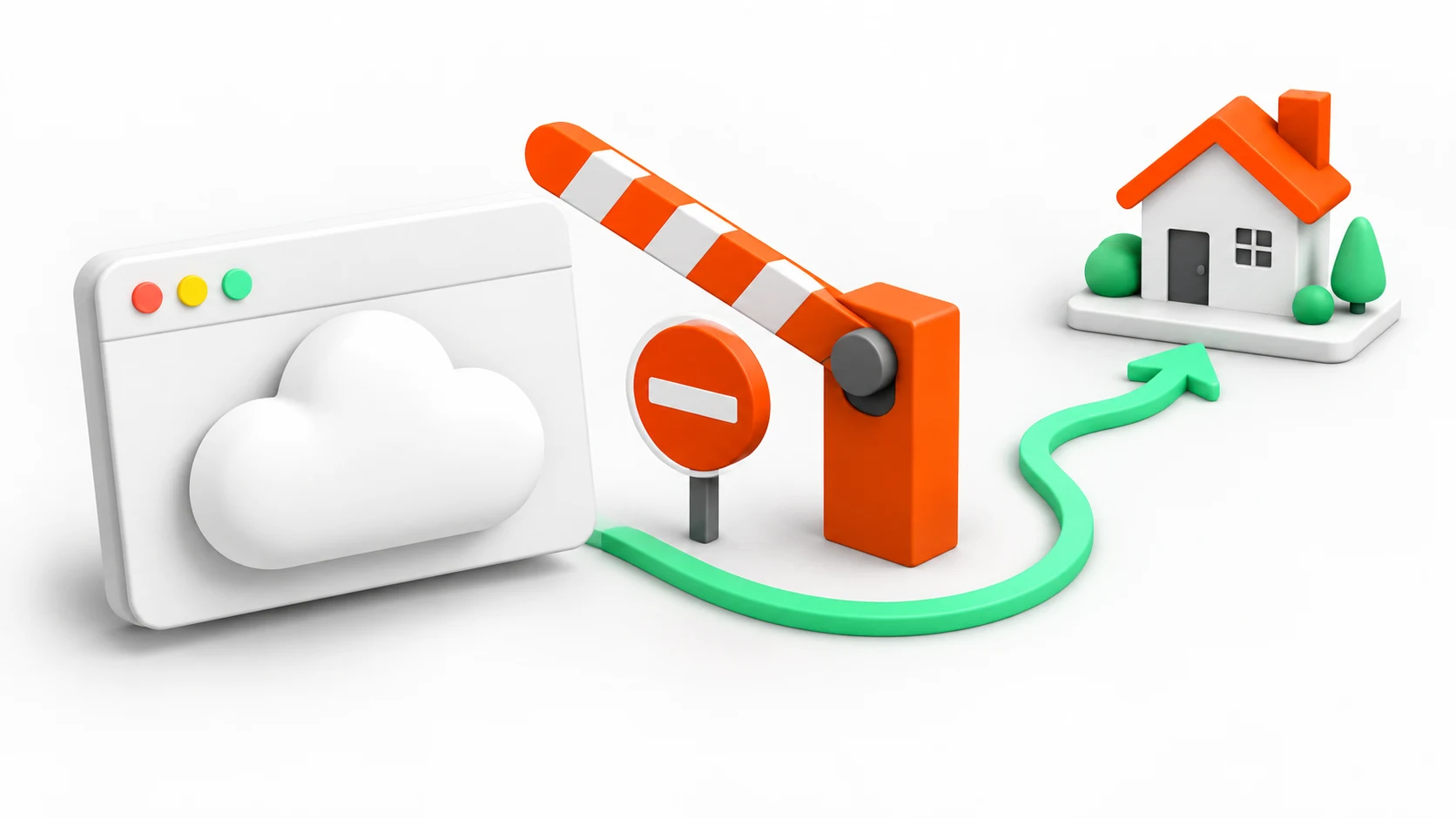
A local success does not identify why a cloud run fails. Hold the URL, browser version, account state, timing, and automation steps constant; compare runtime, egress route, response, and extracted content to locate the first changed boundary.
Audience: engineers who can run Python and compare local and deployed browser settings.
Requirements:
The probe below was tested on macOS 26.5.2 with Python 3.12.0, Playwright 1.58.0, and Chromium 145.0.7632.6. Install the matching Playwright browser in a task environment:
python3 -m venv .venv
.venv/bin/python -m pip install 'playwright==1.58.0'
.venv/bin/python -m playwright install chromium --only-shell
These commands use macOS/Linux paths. On Windows, use the virtual environment's Scripts directory. Match the library and browser versions in the cloud environment before comparing its behavior.
Capture the same fields for the local and cloud attempt. Do not store cookies, passwords, or proxy credentials in the comparison record.
The probe below prints only route, status, and a marker check. Record the final URL and page title separately from the browser inspector or application diagnostics for each run. Redact private query values and account information before adding either field to the comparison record.
| Field | Local run | Cloud run |
|---|---|---|
| Browser and library version | Exact installed versions | Exact deployed versions |
| Target and final URL | Canonical URL | Canonical URL |
| Proxy route | Direct or route label | Direct or route label |
| HTTP outcome | Status or exception category | Status or exception category |
| Content check | Expected marker present | Expected marker present |
A cloud browser can reach a proxy and receive a destination 403. It can also receive 200 with a challenge or login document. The Browser Use issue reports and another report describe individual failure cases; they do not establish behavior across cloud deployments.
Caution: Proxy probes can consume paid traffic. Use a test allocation and an authorized target; bound request counts and spend before comparing routes. Keep credentials in the runtime secret manager.
Run a small probe against a stable, authorized URL. This example uses Playwright for Python; its proxy configuration is documented in Playwright's network reference. It emits a sanitized failure category, not a diagnosis of the provider. Save the complete example as browser-probe.py.
import os
from playwright.sync_api import Error, TimeoutError, sync_playwright

PROXY_SERVER = os.environ.get("PROXY_SERVER")
PROXY_USER = os.environ.get("PROXY_USER")
PROXY_PASSWORD = os.environ.get("PROXY_PASSWORD")
TARGET_URL = "https://example.com/"

if bool(PROXY_USER) != bool(PROXY_PASSWORD):
    print({"phase": "configuration", "failure": "proxy_credentials_incomplete"})
    raise SystemExit(1)
if PROXY_USER and not PROXY_SERVER:
    print({"phase": "configuration", "failure": "proxy_server_missing"})
    raise SystemExit(1)

proxy = None
if PROXY_SERVER:
    proxy = {"server": PROXY_SERVER}
    if PROXY_USER:
        proxy.update(username=PROXY_USER, password=PROXY_PASSWORD)

phase = "launch"
browser = None
with sync_playwright() as playwright:
    try:
        browser = playwright.chromium.launch(headless=True, proxy=proxy)
        page = browser.new_page()
        phase = "navigation"
        response = page.goto(
            TARGET_URL,
            wait_until="domcontentloaded",
            timeout=25_000,
        )
        phase = "content_check"
        body = page.text_content("body", timeout=5_000) or ""
        print({
            "route": "proxy" if proxy else "direct",
            "status": response.status if response else None,
            "has_example_marker": "Example Domain" in body,
        })
    except TimeoutError:
        print({"phase": phase, "failure": "timeout"})
    except Error:
        print({"phase": phase, "failure": "browser_error"})
    finally:
        if browser:
            browser.close()
Run the probe from the same environment:
.venv/bin/python browser-probe.py
The local direct run and a task-owned HTTP CONNECT proxy both returned status 200 with has_example_marker: True. An unreachable proxy produced phase: navigation and failure: browser_error. Read these output fields; this diagnostic program does not use its exit code as a success verdict.
Those runs verify the probe locally. They do not reproduce a cloud failure or verify a residential provider, proxy authentication, or geographic targeting.
Leave PROXY_SERVER unset for the direct baseline. For a proxy run, provide a trusted host and port through the runtime's secret manager. Supply credentials there when the endpoint requires them. The timeout arguments are milliseconds.
If the browser version or installed dependencies differ, match them before changing the network. Never put credentials in page headers or screenshots. A generic browser_error still requires a separate DNS, TLS, or proxy-authentication check.
| Observation | First hypothesis | Next check |
|---|---|---|
| Launch fails | Browser image or dependency | Compare installed browser and library versions |
| Connection timeout | Route, firewall, or deadline | Test the proxy endpoint with a bounded probe |
407 Proxy Authentication Required |
Proxy authentication | Check endpoint, authentication scheme, and secret binding |
403 Forbidden or challenge after navigation |
Destination policy or account context | Compare received content, then stop broad retries |
200 OK without the expected marker |
Wrong page, challenge, or parser assumption | Record final URL, title, and a safe body marker |
A residential proxy can change egress identity, but it cannot grant permission, recreate a logged-in account, or guarantee acceptance. If the same cloud image fails through direct access and a configured proxy, investigate the browser or destination policy. If only one route fails, compare its authentication, geography, and session lifetime.
Use a proxy when the authorized job has a defined network requirement, such as checking a regional page or separating worker egress. Keep the browser image, target sample, pacing, and validation rule fixed while comparing accepted records and failure categories over the same batch.
Do not treat a changed screenshot as an improvement until the required fields pass validation. For network diagnostics, use Proxy Error 407 troubleshooting and Playwright proxy setup. For rendered extraction rather than a network route, compare the web scraping API and proxy guide.
 ProxyLaneTraffic never expires
Scale your workflows with the tools you already use. Rotating or sticky sessions up to 72 hours.
Compare seller APIs, licensed Amazon product data and proxy page checks by record, access scope and reuse rights.
Read guideChoose the right anti-detect browser proxy guide, map the shared verification steps, and keep account access separate from the network route.
Read guideOur picks for market research: ProxyLane for small, intermittent projects, plus options for regional tracking, monthly collection and managed extraction.
Read guide
