

Amazon Scraper API vs Proxy: Choose a Product Data Source
Compare seller APIs, licensed Amazon product data and proxy page checks by record, access scope and reuse rights.
Read guide
Size a sneaker proxy list from your task count: one IP per task, separate IPs for monitors and accounts, a few spares, and what 5 to 50 ISP IPs cost for 30 to 360 days.
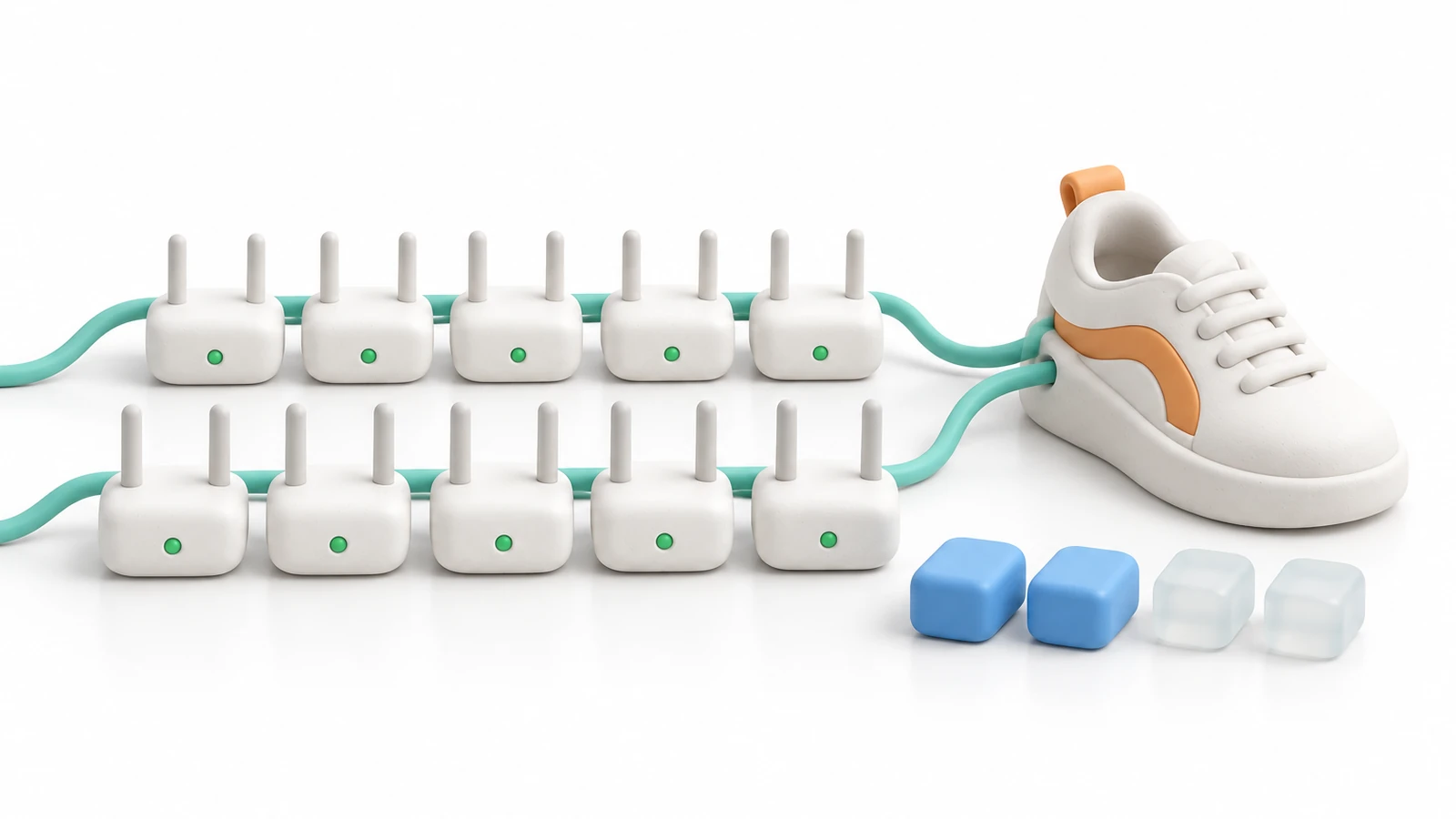
A sneaker bot needs one proxy per task: ten tasks on a release means ten IPs. Add separate IPs for monitors, keep one IP per member account if accounts live in the bot, and hold a couple of spares for lines that fail on release day.
Start with a small list on one store, check how many IPs pass, then scale. On ProxyLane, 5 sneaker ISP IPs cost $19.50 for 30 days and 25 cost $87.75 after the volume discount.
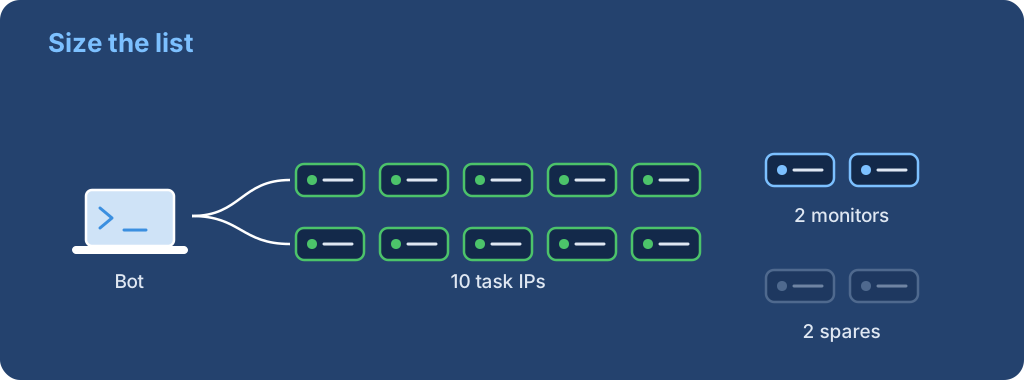
Every task needs its own IP, because the store should see each task as a different shopper. Valor's Pokémon Center guide puts it plainly: do not run more than one task per proxy, or tasks start sharing a queue position and a ban.
Count tasks per store, not per release. If you run 10 tasks on Nike and 10 on a footsite at the same hour, you need 20 IPs at that hour. If the two releases are on different days, the same 10 IPs can cover both, as long as they suit both stores.
The task count is the floor. Three things push the list higher.
| Need | How many IPs | Why |
|---|---|---|
| Tasks | 1 per task running at the same time | Each task looks like one shopper |
| Monitors | 1 to 3 per store you watch | Valor's Shopify guide suggests one monitor with no proxy, one on residential and 2 to 3 on ISP |
| Member accounts | 1 per account kept in the bot | An account that keeps one IP for months looks like a normal customer |
| Spares | About 10 to 20% of the list | Our rule of thumb for lines that fail the day before a release |
Nike draws work differently. Nike's SNKRS rules allow one entry per person per product, so more IPs do not mean more legitimate entries. Size Nike lists by the accounts you actually own and run.
These use ProxyLane's sneaker ISP price of $3.90 per IP for 30 days. Orders of 10 or more IPs save 5%, 25 or more save 10%, and a 90-day term saves 10% or a 360-day term 15%. All discounts together stop at 30%.
| Setup | IPs | Term | Cost |
|---|---|---|---|
| Testing one store | 5 | 30 days | $19.50 |
| 8 tasks + 2 monitors | 10 | 30 days | $37.05 |
| 20 tasks + 3 monitors + 2 spares | 25 | 30 days | $87.75 |
| 40 tasks + monitors and spares | 50 | 90 days | $468.00 |
| 25 member accounts kept all year | 25 | 360 days | $877.50 |
The 50-IP line works out as $585.00 for three months, minus 10% for volume and 10% for the term. The yearly line is $1,170.00 minus 10% for volume and 15% for the term.
Rotating residential is billed per GB, not per IP. For Shopify stores with proxy protection, where Valor and NSB both point to residential, the number of IPs stops mattering and the traffic each task uses decides the bill.
Measure it instead of guessing: run one task through a residential endpoint on the store, then read the traffic it used in your dashboard. Multiply by tasks and releases to size a package. ProxyLane residential starts at $6.50/GB and drops to $2.50/GB on larger packages, and unused traffic never expires.
Ready to build the list? See live stock on the sneaker proxies page, then follow how to add proxies to Valor and NSB.
 ProxyLaneTraffic never expires
Scale your workflows with the tools you already use. Rotating or sticky sessions up to 72 hours.
Compare seller APIs, licensed Amazon product data and proxy page checks by record, access scope and reuse rights.
Read guideChoose the right anti-detect browser proxy guide, map the shared verification steps, and keep account access separate from the network route.
Read guideOur picks for market research: ProxyLane for small, intermittent projects, plus options for regional tracking, monthly collection and managed extraction.
Read guide
